Upload a photo and preview different wall colors in your own space before choosing the one you love.
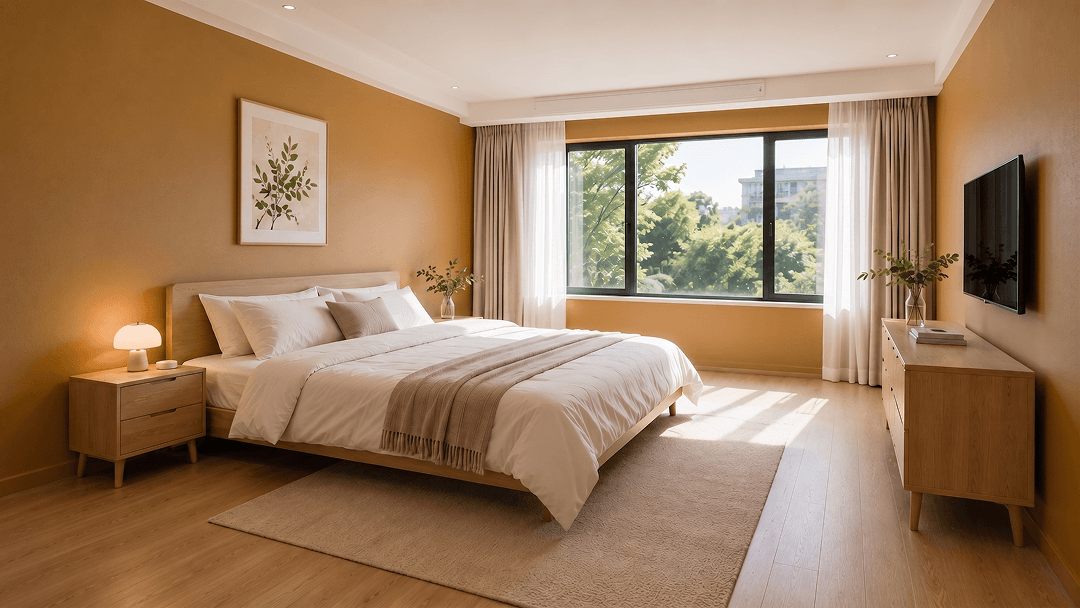
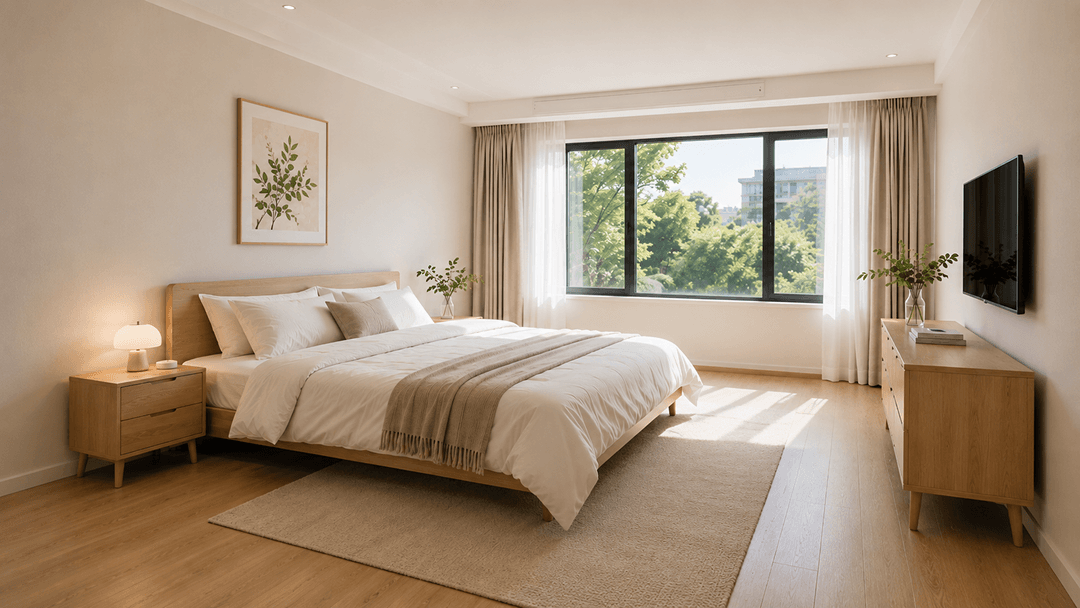 OriginalGenerated result
Create your first design
Upload a photo of your home to quickly generate your first AI renovation design.
Create your first design
Paint Color Visualizer for Room & Wall Colors
Preview paint colors on interior or exterior walls before you choose. Upload a photo and compare realistic AI color options online.
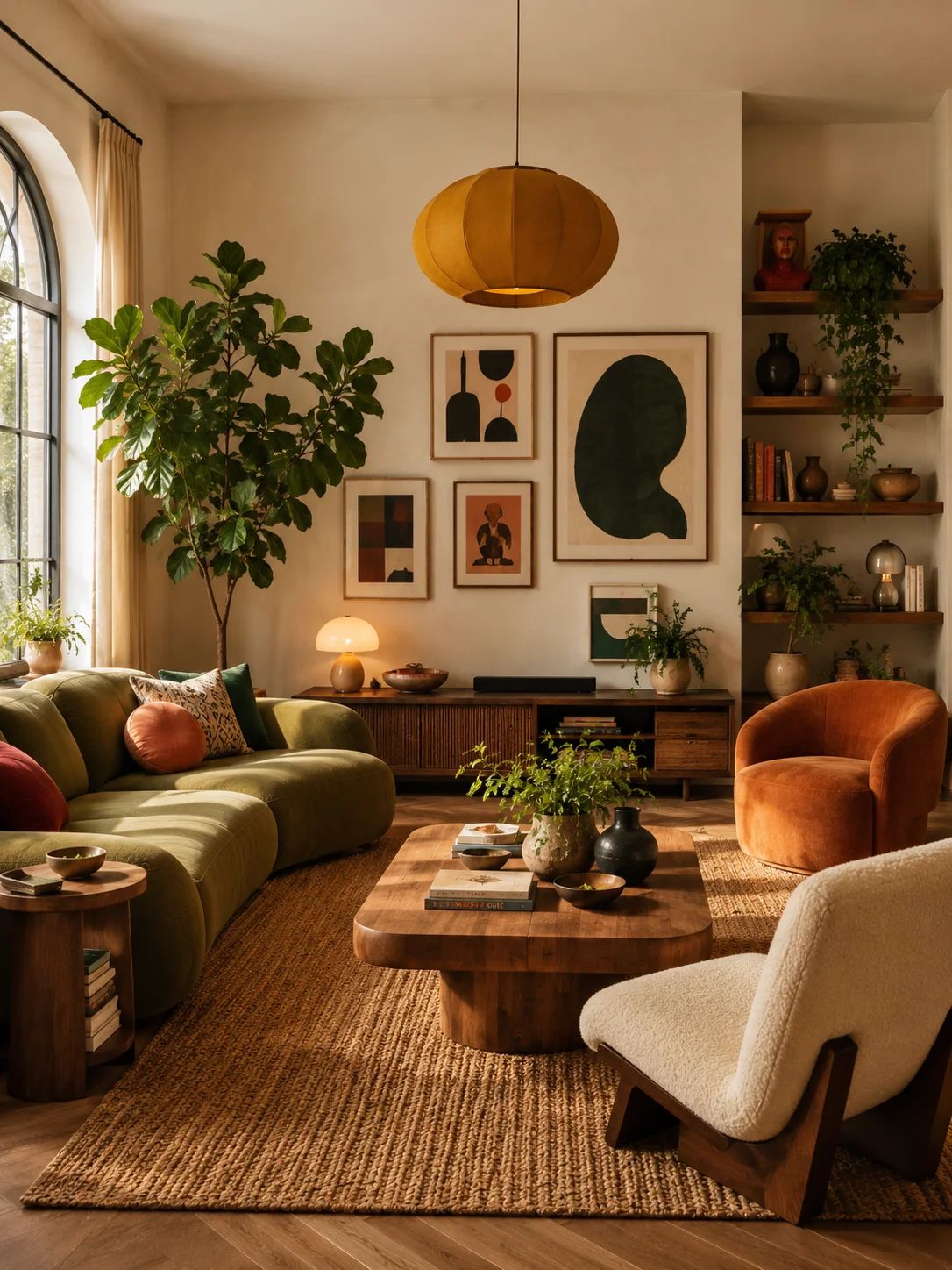
Paint Color Visualizer Examples: Before & After
See how a different wall color can change the feel of a space. Compare the original look with a new color direction for living rooms, bedrooms, exterior walls and more.
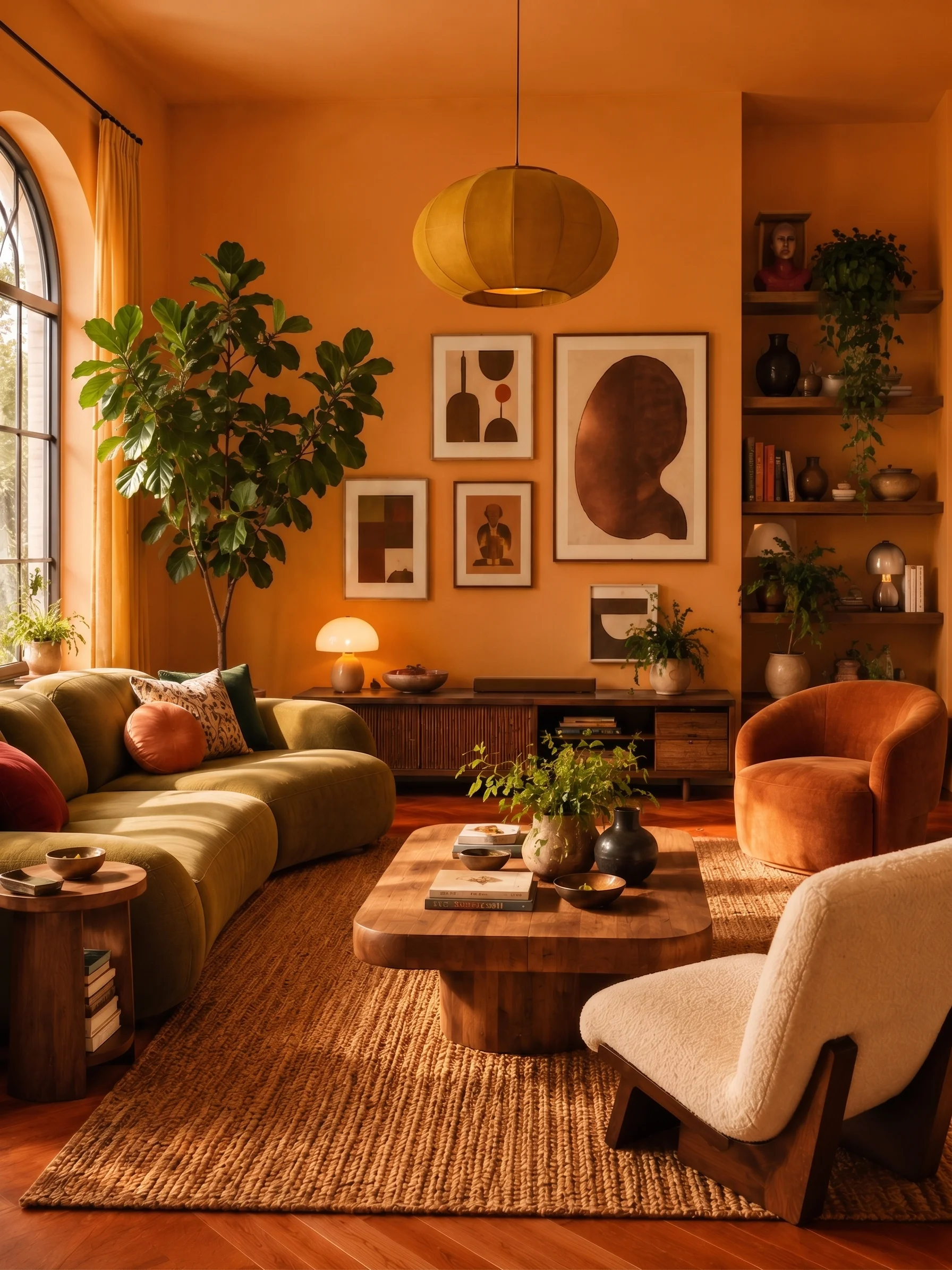
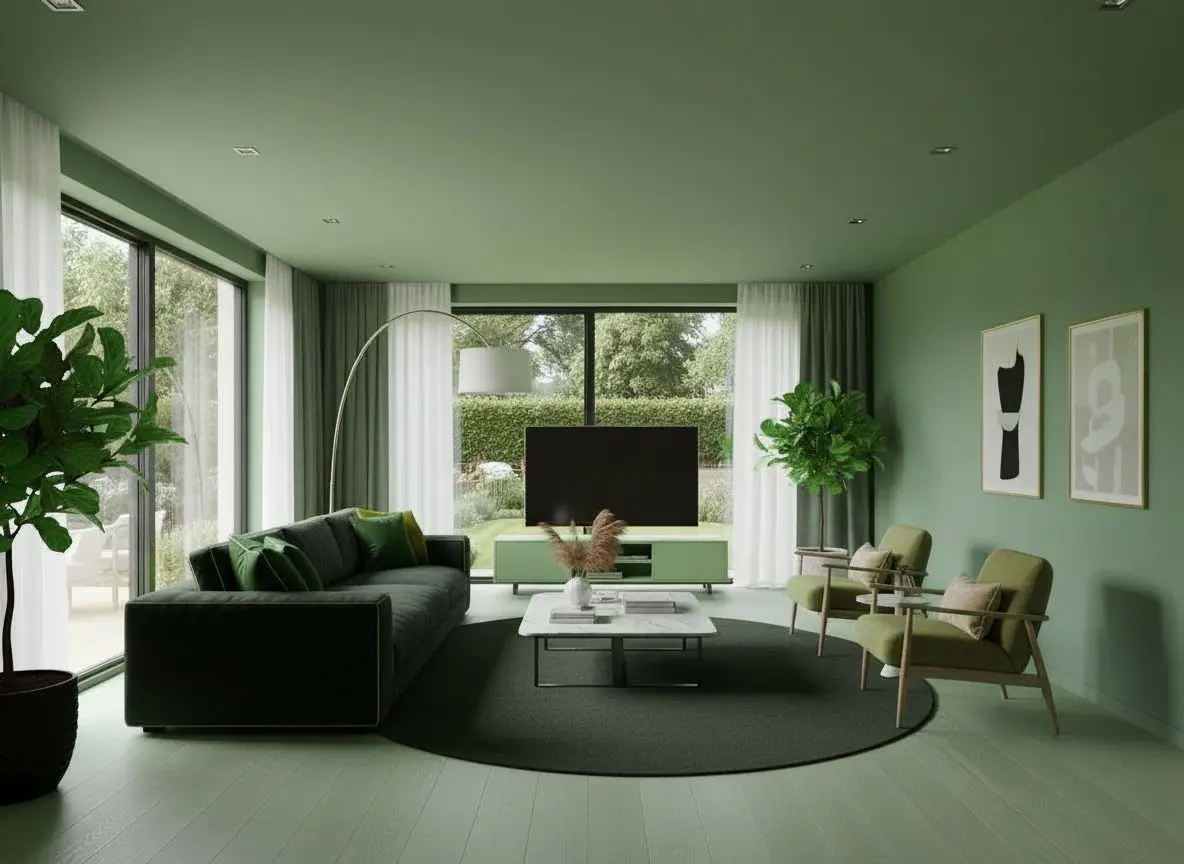
Sage Green Living Room Walls
Explore how sage green walls pair with a neutral sofa and natural wood.
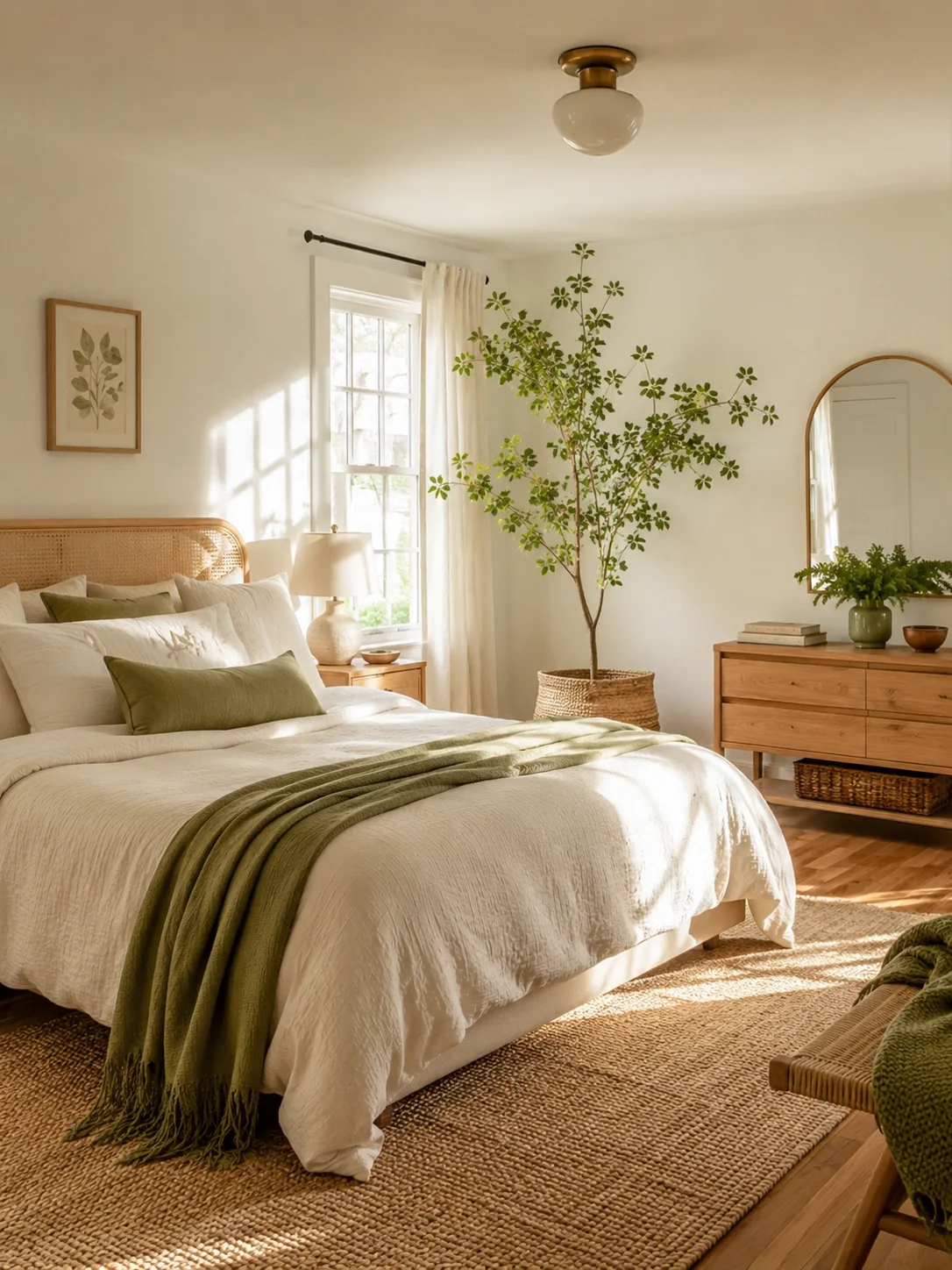
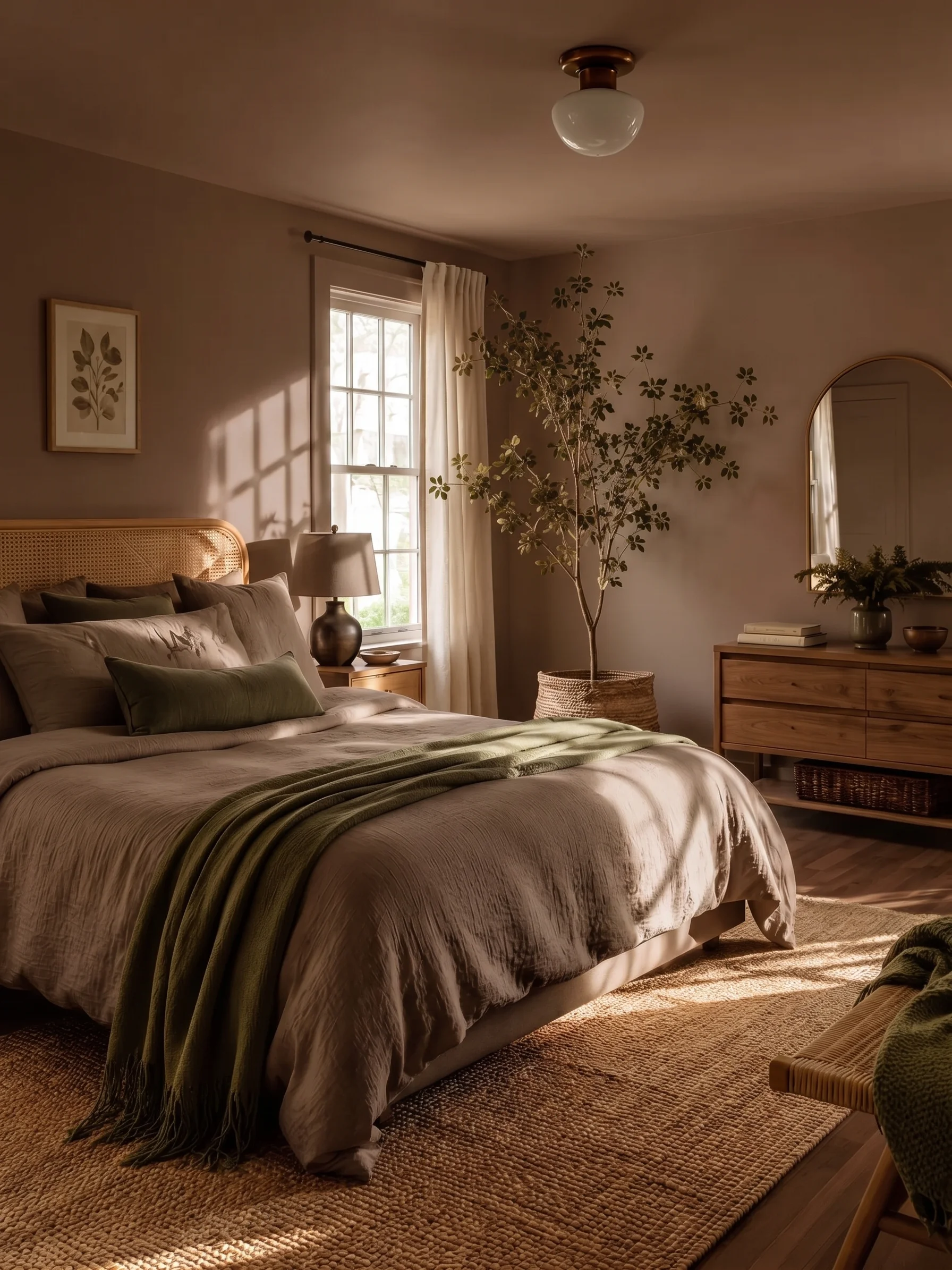
Bedroom Accent Wall Colors
Compare an accent wall color with the original bedroom to plan a focused refresh.
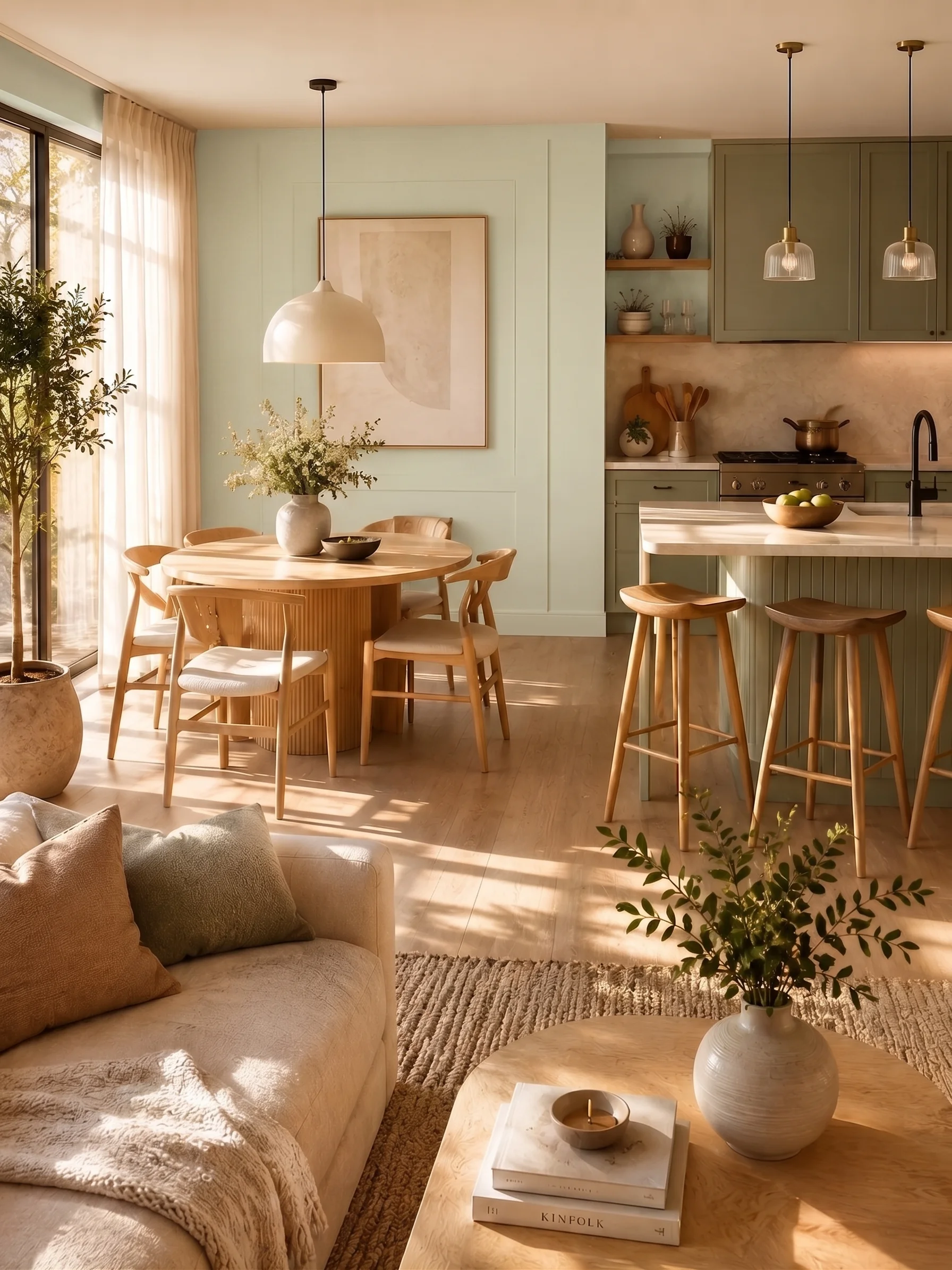
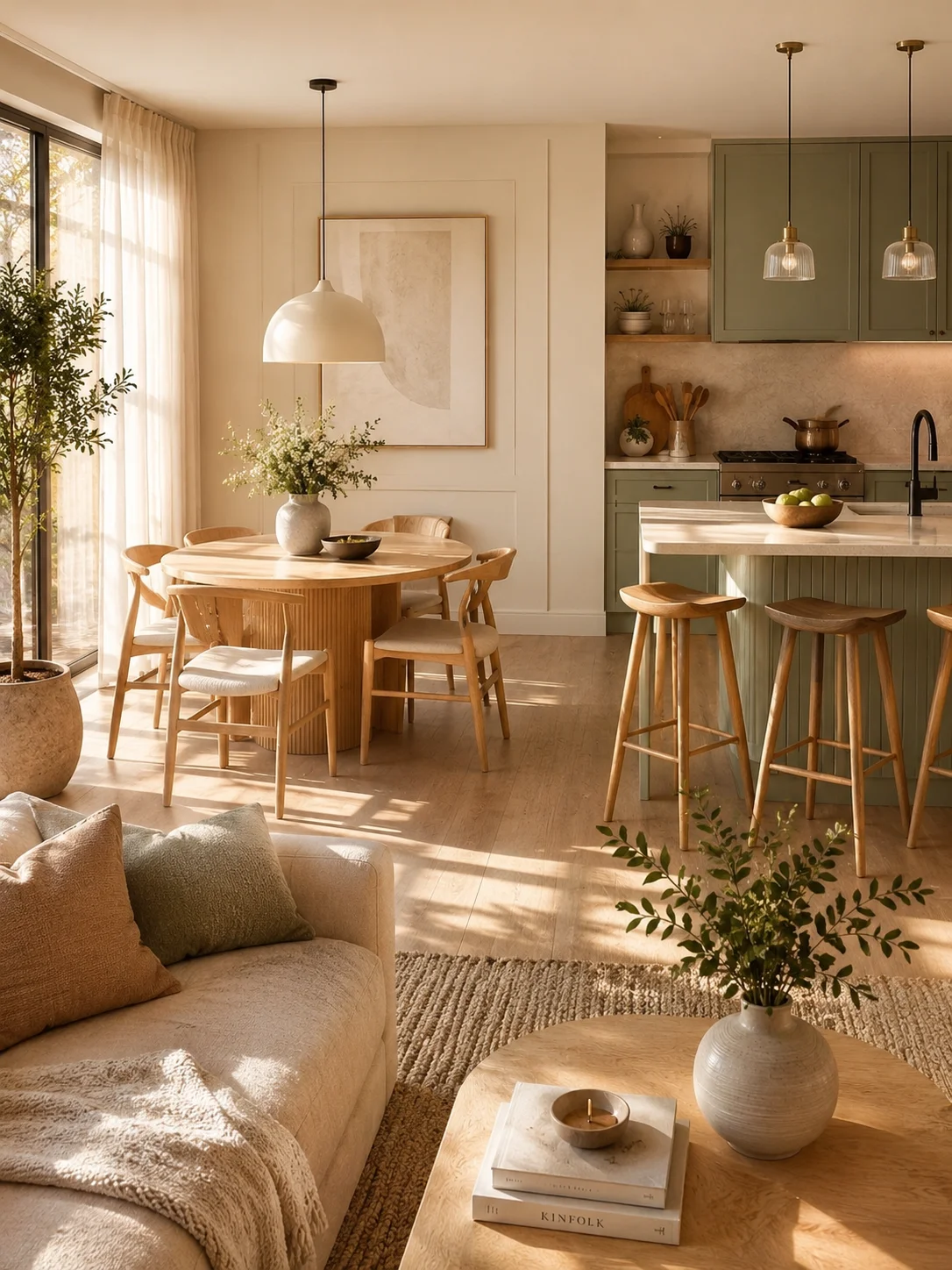
Interior Paint Colors
Compare a new interior wall color with the original look of your home.
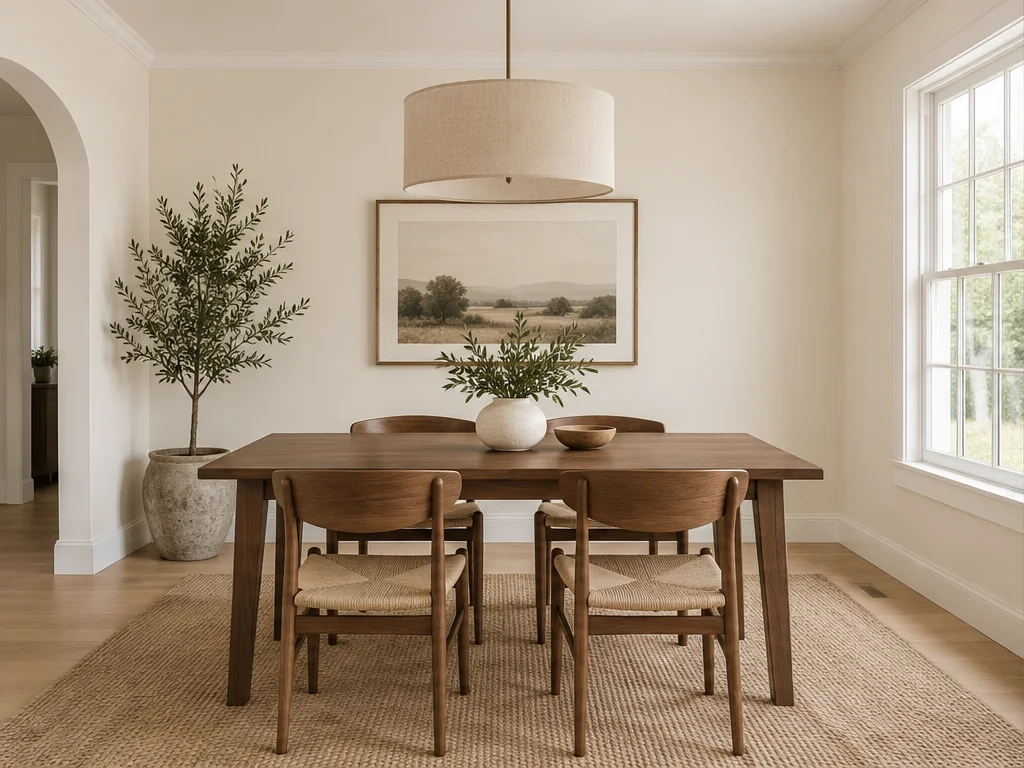
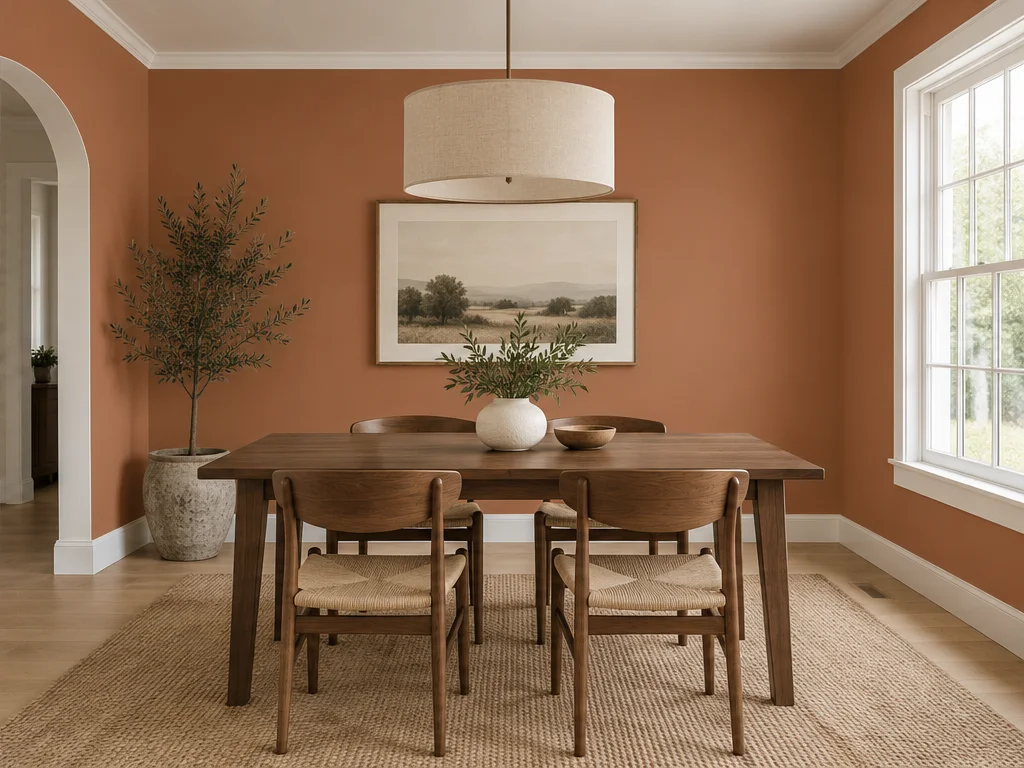
Terracotta Dining Room Walls
See how muted terracotta changes the mood around a walnut dining table.
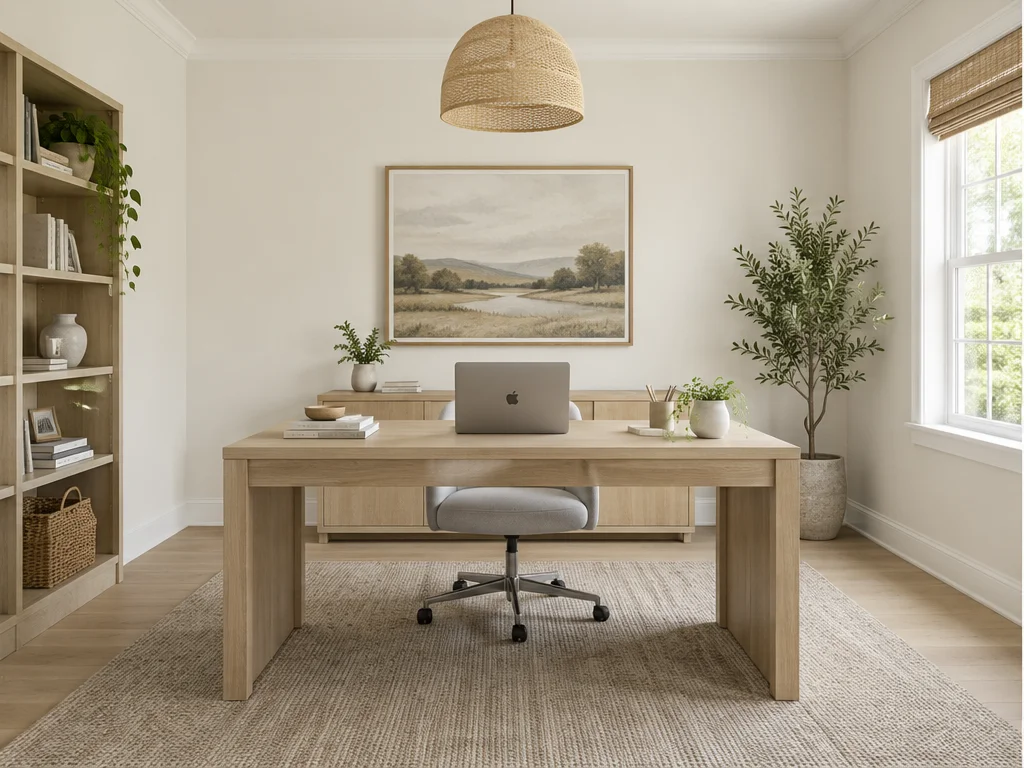
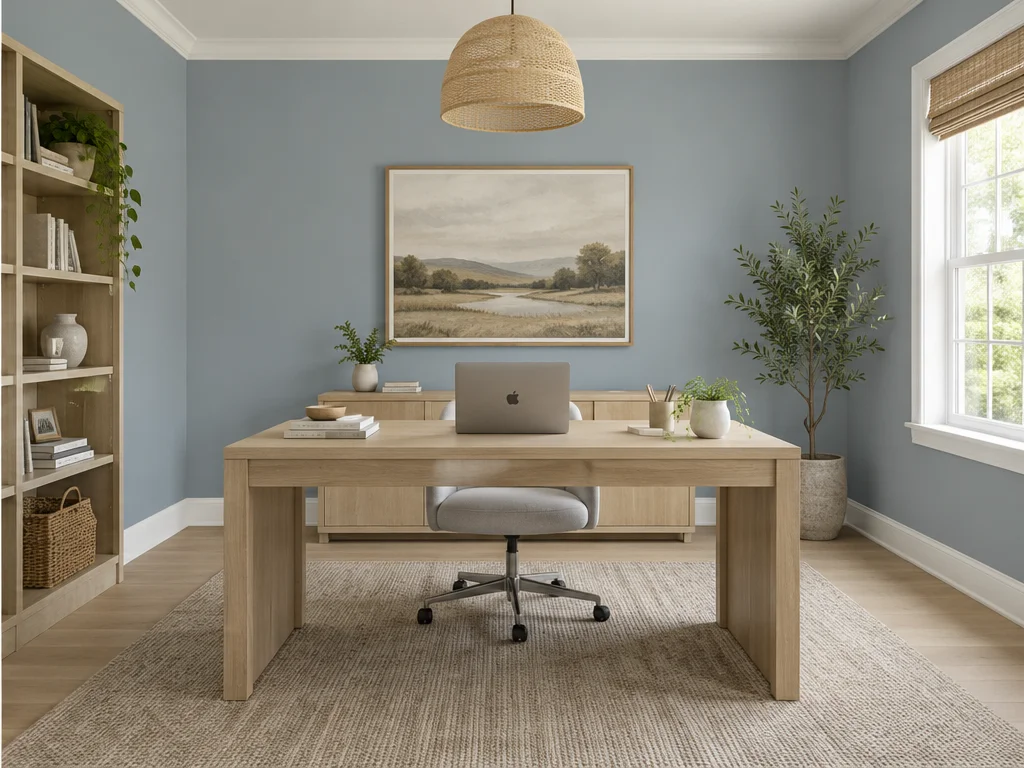
Dusty Blue Home Office Walls
Explore dusty blue walls alongside a light oak desk and simple furnishings.
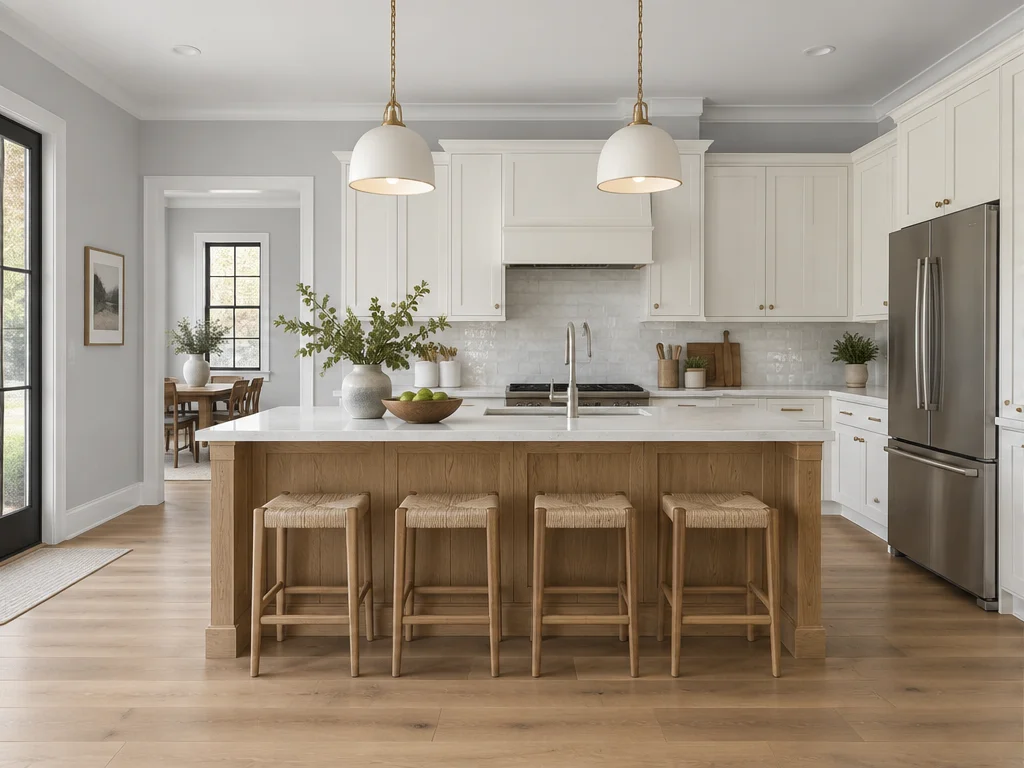
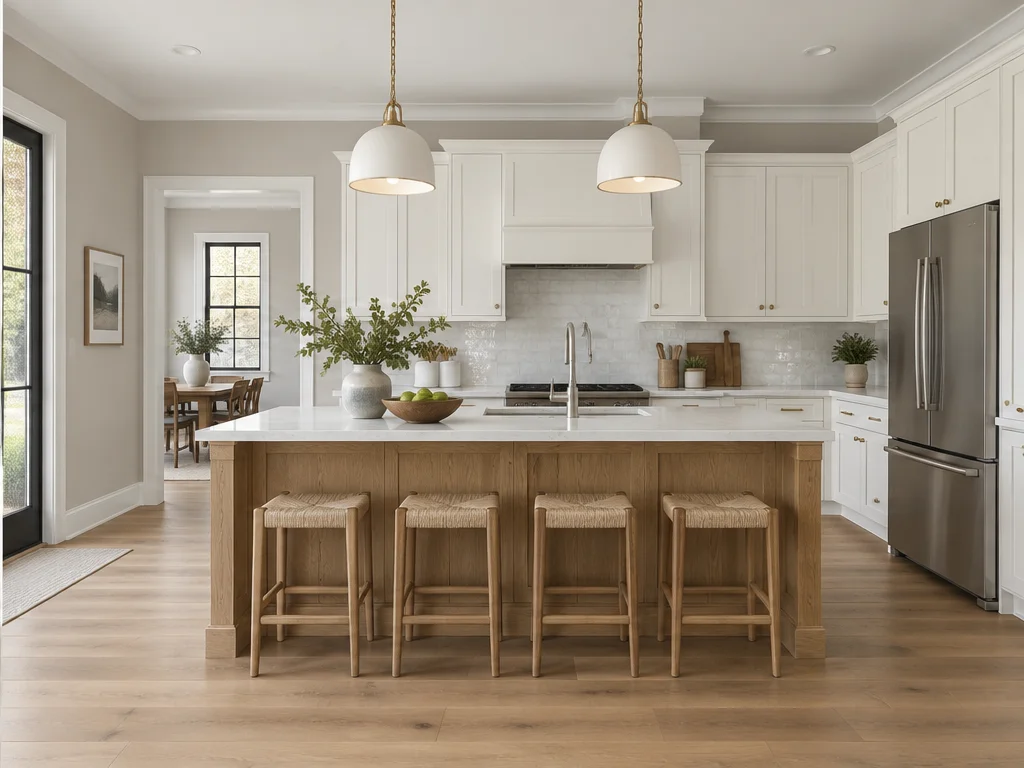
Warm Greige Kitchen Walls
Compare cool gray and warm greige walls beside light kitchen cabinetry.
Illustrative color previews. Actual results may vary.
What is a Paint Color Visualizer?
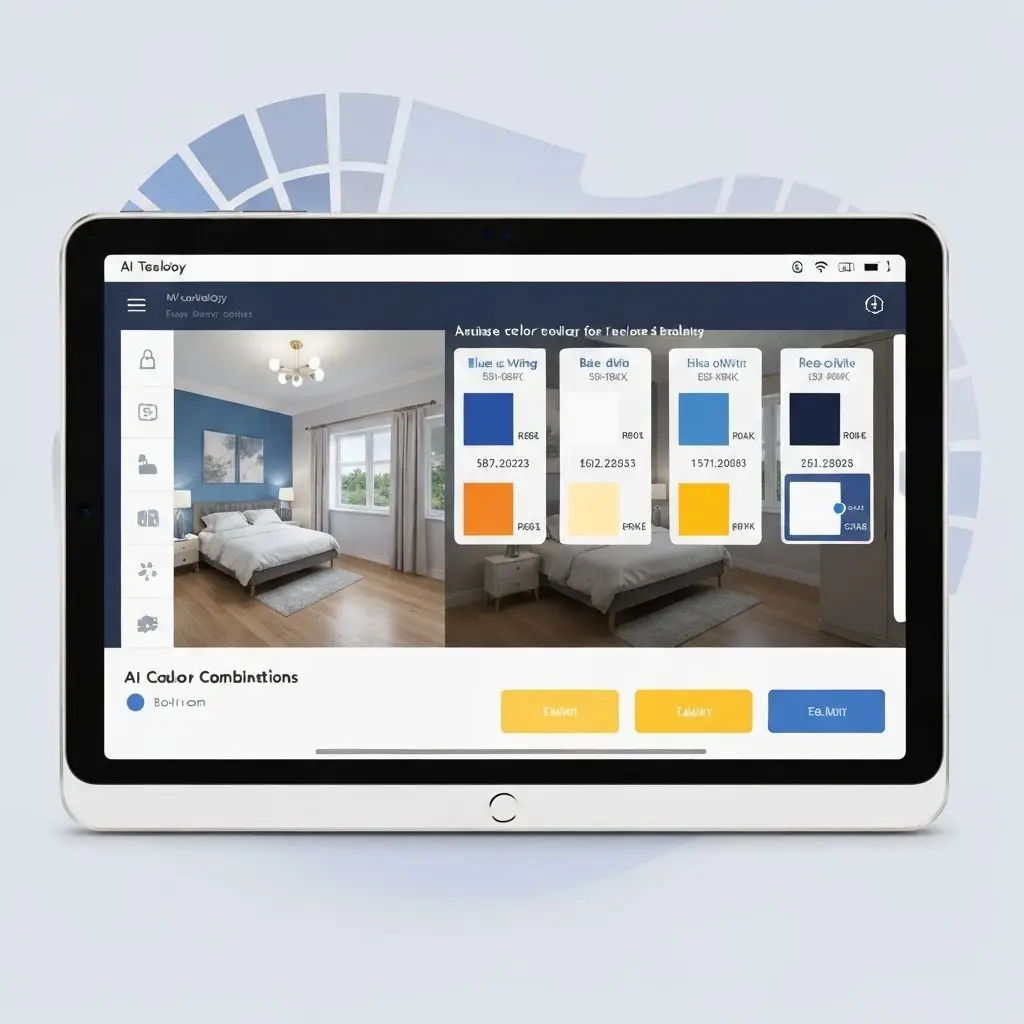
AI Paint Color Visualizer is an innovative tool that allows you to preview how different paint colors will look in your space before making a purchase. Simply upload a photo of your room, select colors or an AI home colour combination, and watch as our AI instantly transforms your space.
Perfect for homeowners, interior designers, and contractors, our AI-powered paint visualizer helps you test color ideas, reduce guesswork, and find the right ai colour for home before painting begins. Once you have chosen the right colors, continue with our AI interior design tool to create a complete design for your space.
Why Choose Dehome's Paint Color Visualizer?
Save Money on Paint
Avoid costly paint mistakes with our paint visualizer. Test colors before buying to reduce expensive do-overs and wasted paint cans. Most users save $500+ on their painting projects.
Instant Results
See your space transformed in seconds, not days. No more buying multiple paint samples or waiting for test patches to dry. Try unlimited color combinations instantly, including AI house colour combination ideas for different rooms.
Lighting Simulation
See how colors appear in different lighting conditions - natural daylight, evening ambiance, and artificial lighting. Make decisions with complete confidence.
How to Use the Paint Color Visualizer with Your Photo
Upload Photo
Take a clear photo of your room and upload it. Our paint color visualizer works with bedrooms, living rooms, kitchens, bathrooms, and more.
Select Area
Choose to color the entire room, or target specific areas like walls, ceilings, or floors to test the best home colour ai ideas for your space.
Pick Colors
Choose from curated palettes or create custom shades to find the right ai home colour and color combinations for your room.
Visualize & Save
Click visualize and see instant results. Download high-resolution images to save, compare, or share your favorite paint options.
Paint Color Visualizer Features
10+ Curated Color Palettes
Modern Elegance, Cozy Warmth, Fresh Nature, Coastal Blues, Sunset Glow, Lavender Dreams, Earthy Tones, Sage Serenity, Charcoal Chic, and Blush Pink.
Custom Color Selection
Choose any color using HEX codes or our visual color picker. Apply to walls, ceiling, or floor independently.
Multiple Lighting Views
Visualize colors in natural daylight, warm evening light, and cool artificial lighting.
Whole Room or Specific Areas
Apply colors to the entire space or target specific surfaces like accent walls or ceilings with our color visualizer. To explore complete wall styles, materials, and finishes beyond paint colors, use our AI wall design tool.
High-Resolution Output
Download professional-quality images perfect for sharing with painters or contractors.
Custom Requirements
Add specific notes about furniture coordination, lighting conditions, or style preferences.
Related Paint and Interior Design Tools
AI Wall Design
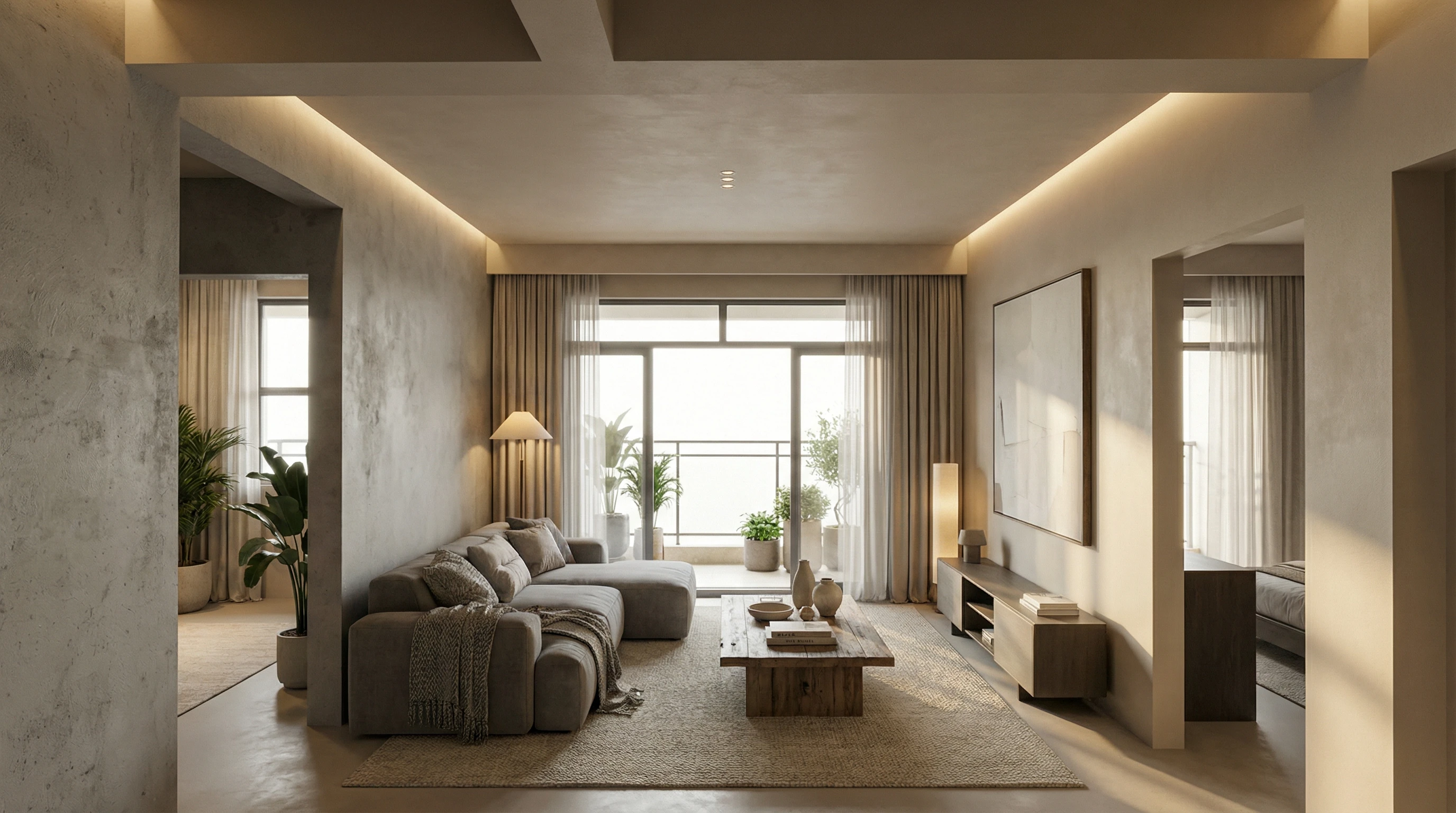
Explore complete wall styles, materials, textures, and finishes after choosing your paint colors.
AI Flooring Design
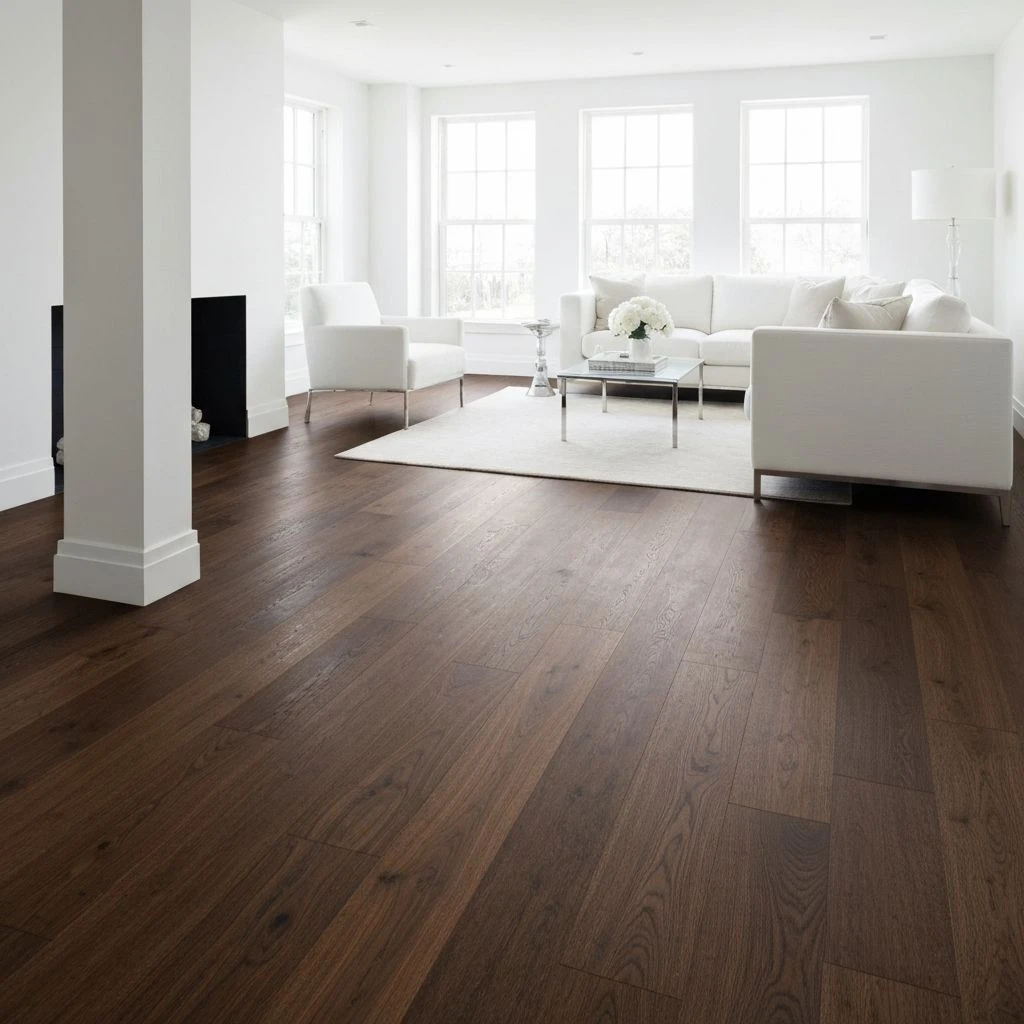
Coordinate flooring colors and materials with your selected wall colors.
AI Interior Design
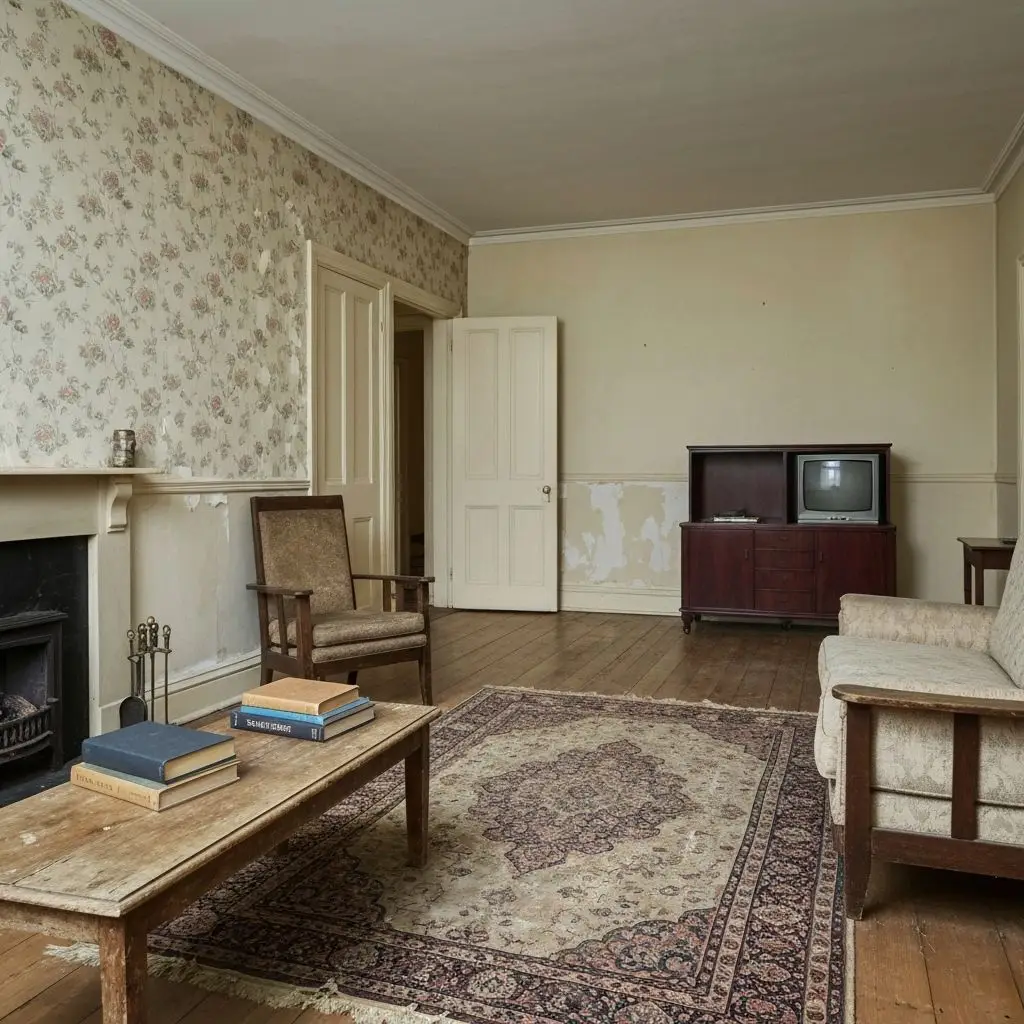
Turn your chosen color palette into a complete interior design.
AI Exterior Design
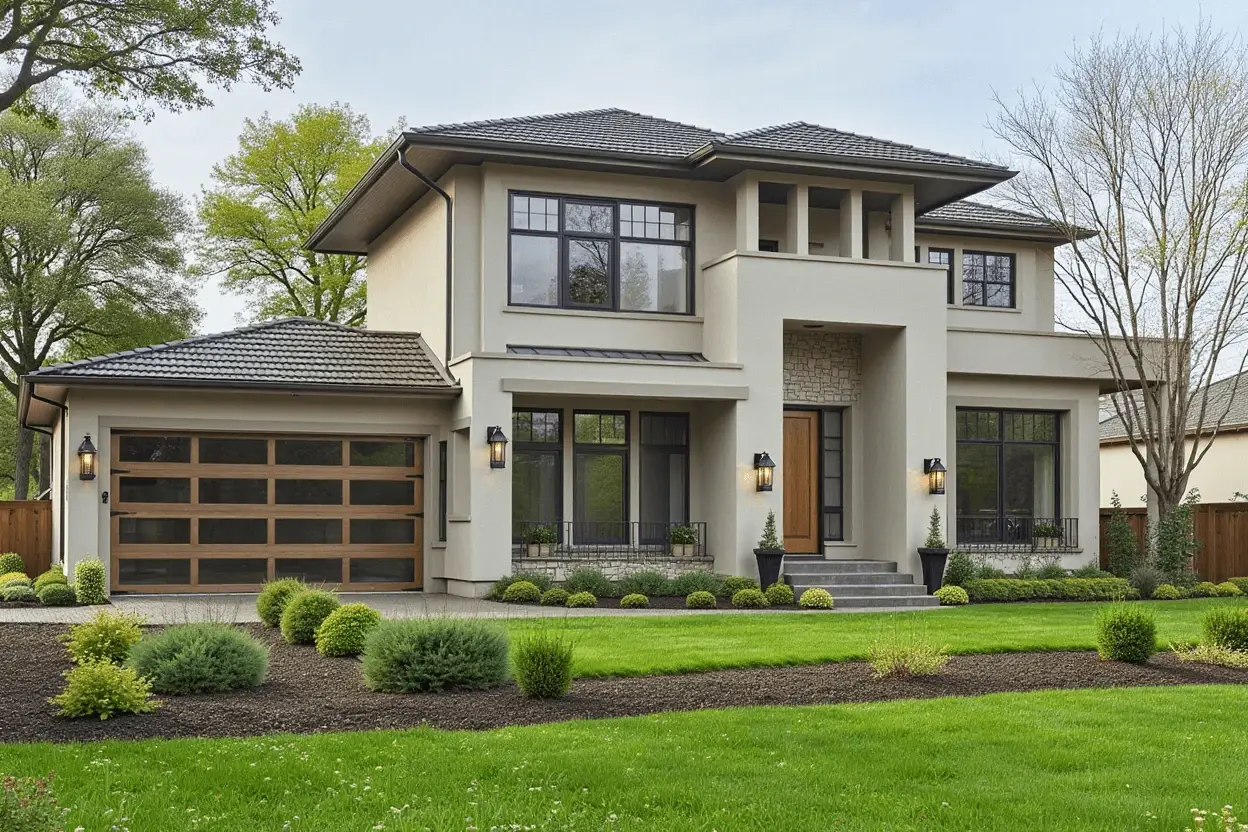
Explore exterior styles and visualize colors for the outside of your home.
Frequently Asked Questions
How accurate are the paint color visualizations?
Our AI produces highly accurate color representations. However, final results may vary slightly based on your screen calibration, room lighting, paint brand, and finish (matte, satin, gloss). We recommend viewing results on a calibrated display for best accuracy.
Can I visualize multiple rooms with this paint visualizer?
Yes! Upload photos of any room in your home - bedrooms, living rooms, kitchens, bathrooms, hallways, and more. You can visualize unlimited rooms and save your favorites.
What if I want to match a specific paint brand color?
Simply enter the paint color’s HEX code in our custom color picker. Most paint brands provide HEX codes on their websites or you can find them using color-matching apps.
Does this color visualizer work with textured walls or wallpaper?
The visualizer works best on smooth painted surfaces. For textured walls, the results will show the color but may not perfectly represent how texture affects the final appearance. We recommend using photos of similar wall textures for best results.
Can I see how colors look in different lighting with this paint visualizer?
Yes! You can add custom requirements to request visualizations in different lighting conditions (morning light, evening, artificial lighting). This helps you understand how colors change throughout the day.
Is there a limit to how many colors I can try in the AI paint color visualizer?
No limits! Experiment with as many color combinations as you want. Try different palettes, create custom colors, and test various options for walls, ceilings, and floors without restrictions.
Is there a free paint color visualizer I can use with my own photo?
Yes. Dehome's free paint color visualizer lets you upload a photo of your room and preview different paint colors directly on your walls. You can explore color palettes and custom colors before deciding what to paint.
Can I upload a photo of my room to preview paint colors?
Yes. Upload a clear photo of your room, select the area you want to recolor, and use Dehome's paint visualizer to preview different wall colors instantly.