Upload a sketch or drawing and transform your concept into a polished visual while preserving the original idea.
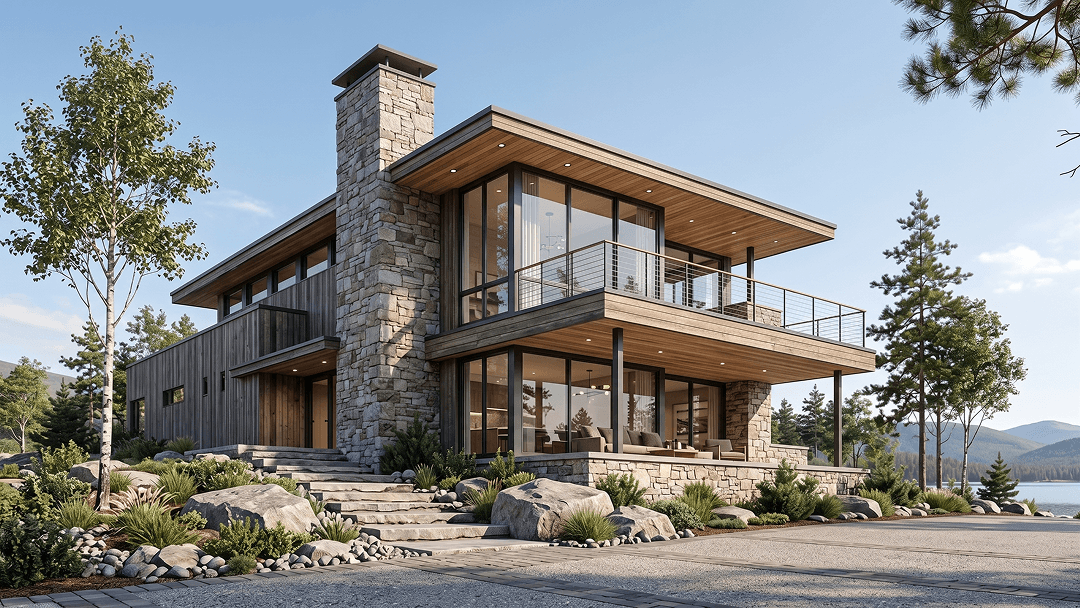
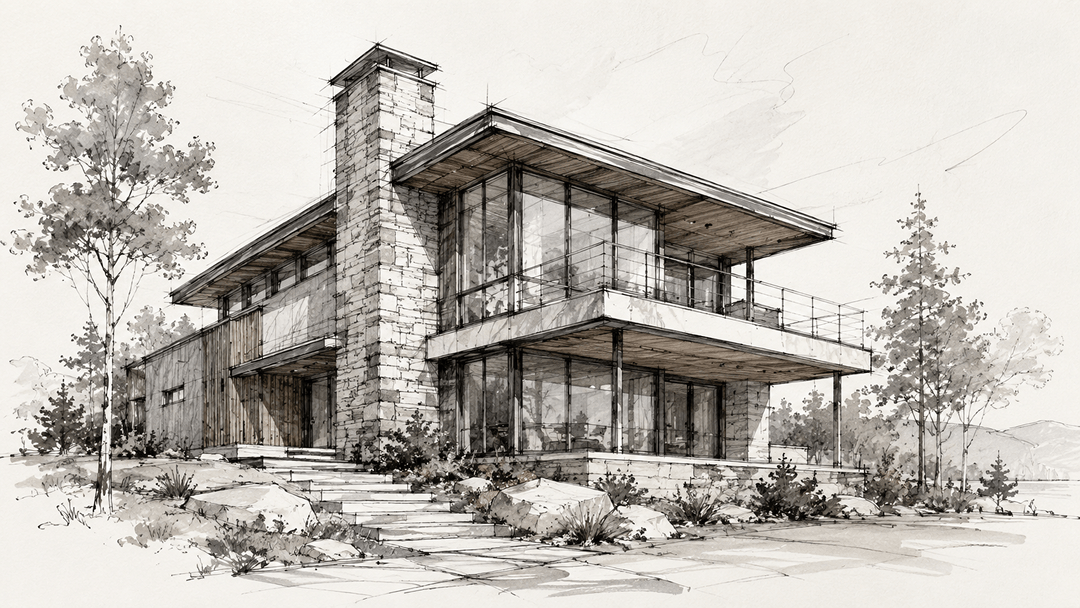 Original sketchRendered result
Create your first design
Upload a photo of your home to quickly generate your first AI renovation design.
Create your first design
Turn a Sketch into a Photorealistic Render
Turn a sketch into a photorealistic render with AI. Upload your drawing and preview finished interiors instantly.
What is AI Sketch to Render?
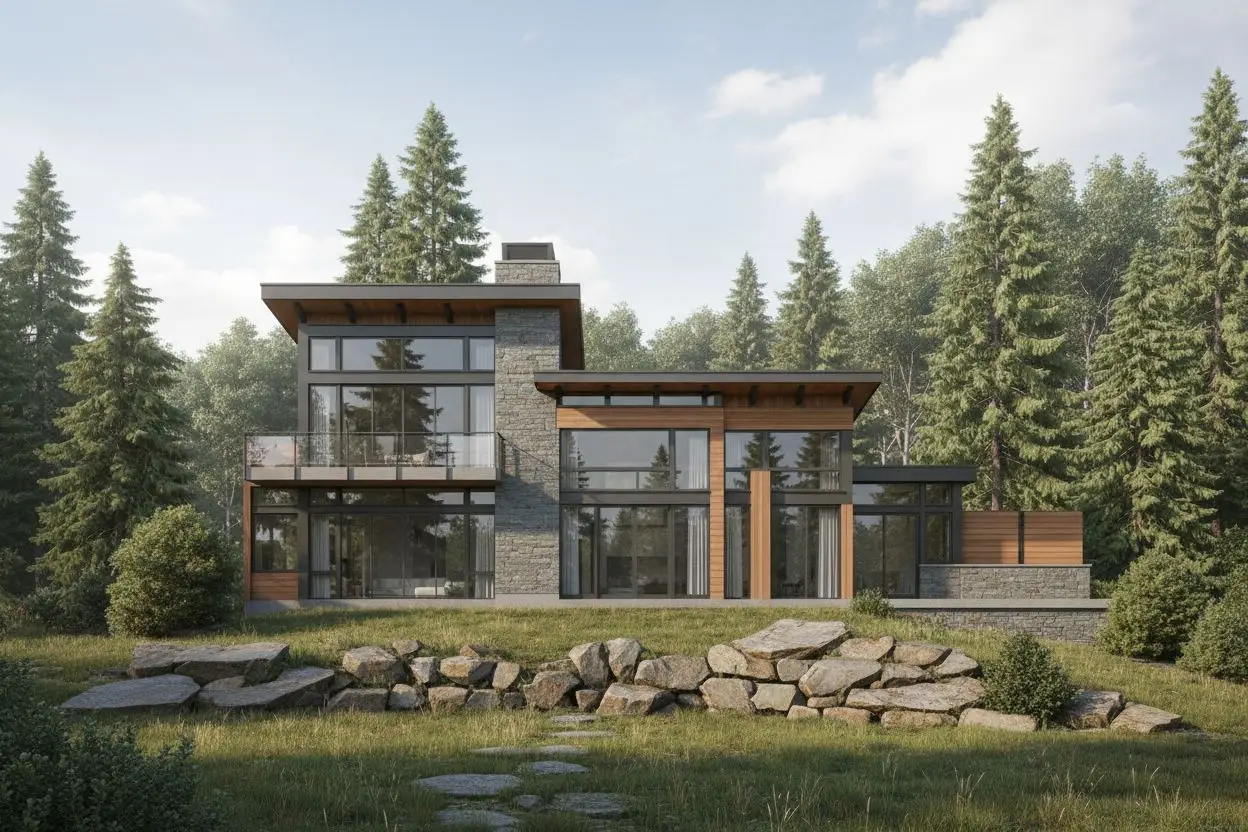
AI Sketch to Render is an innovative tool that transforms your hand-drawn sketches into photorealistic renders using advanced artificial intelligence. Whether you're an architect, designer, or artist, our AI can convert your sketches into stunning, professional-quality visualizations in seconds. With sketch to render technology, you can transform your ideas into reality faster than ever before.
Perfect for architects, interior designers, product designers, and artists, our AI-powered sketch renderer saves you time and helps you visualize your ideas before bringing them to life. For complete room styling after rendering an interior sketch, explore our AI interior design tool.
Why Choose AI Sketch to Render?
Save Time & Money
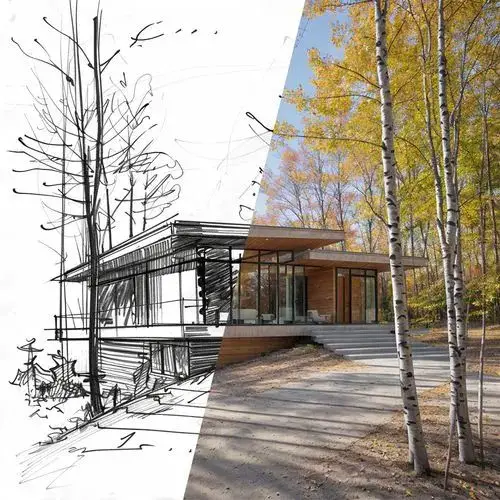
Skip expensive 3D modeling software and lengthy rendering processes. Get professional-quality renders in seconds, not hours. Our sketch to render solution eliminates the need for expensive software licenses.
Instant Results
Transform your sketches into photorealistic renders instantly. No need for complex software or technical skills.
Visualize Ideas
See your concepts come to life before investing time and resources into full production. Perfect for presentations and client pitches.
How to Use AI Sketch to Render
Upload or Choose
Upload your sketch or choose from our example sketches to get started with sketch to render
Select Style
Choose your preferred render style from photorealistic, architectural, artistic, and more
Add Details
Optionally add specific requirements, color preferences, or furniture requests
Generate & Download
Click generate and watch AI transform your sketch. Download high-resolution renders
Sketch to Render Features
Multiple Sketch Types
Supports floor plans, building designs, portraits, furniture designs, and more. Our sketch to render technology handles various sketch types with ease. For original furniture concepts generated from text, use our AI furniture generator .
Various Render Styles
Choose from photorealistic, architectural, artistic, minimalist, or stylized rendering styles
Fast Processing
Get professional-quality renders in seconds, dramatically faster than traditional methods
Example Library
Start with pre-loaded example sketches or upload your own custom sketches
High-Resolution Output
Download professional-quality images perfect for presentations, portfolios, or client reviews
Custom Requirements
Add specific notes about colors, materials, lighting, or style preferences
Related AI Design Tools
Explore more Dehome tools to design, plan, and present your creative concepts.
AI Interior Design
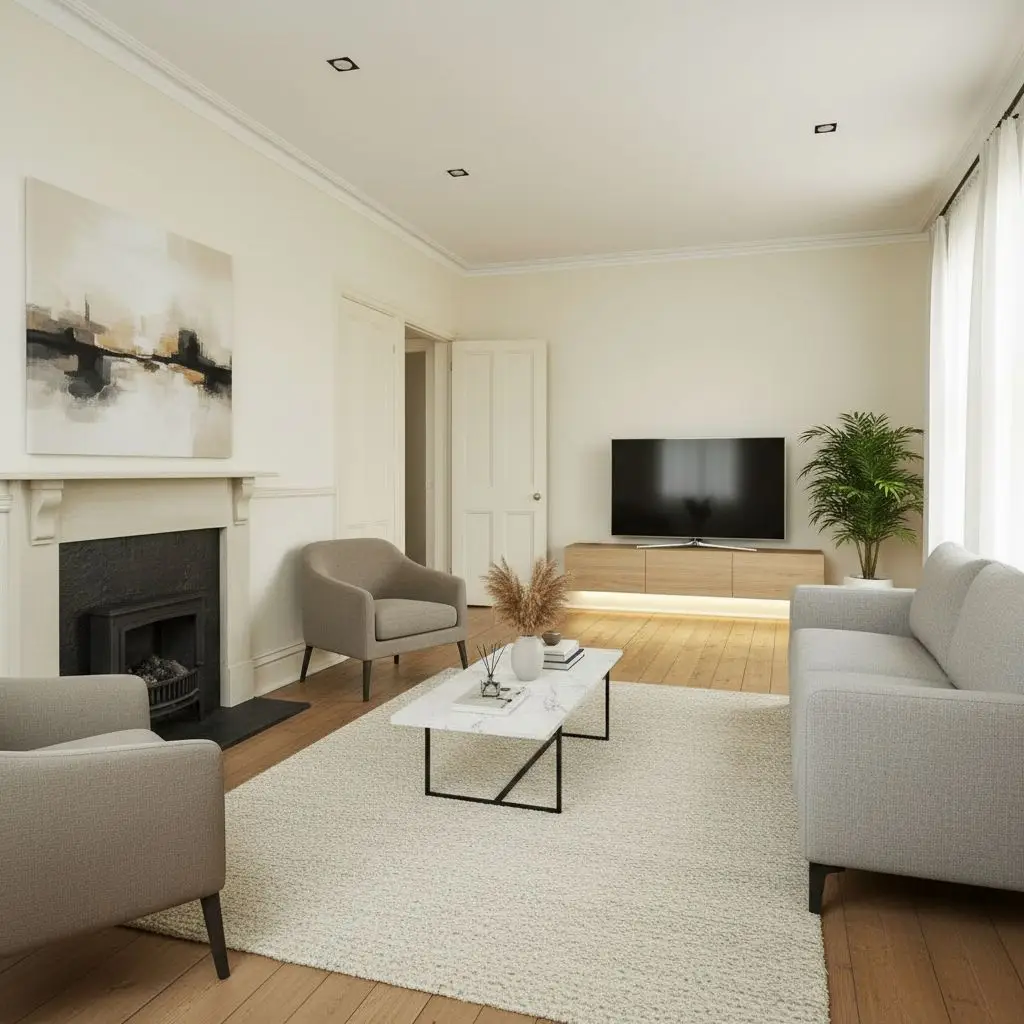
Create a complete interior design with coordinated styles, colors, furniture, lighting, and materials.
AI Furniture Generator
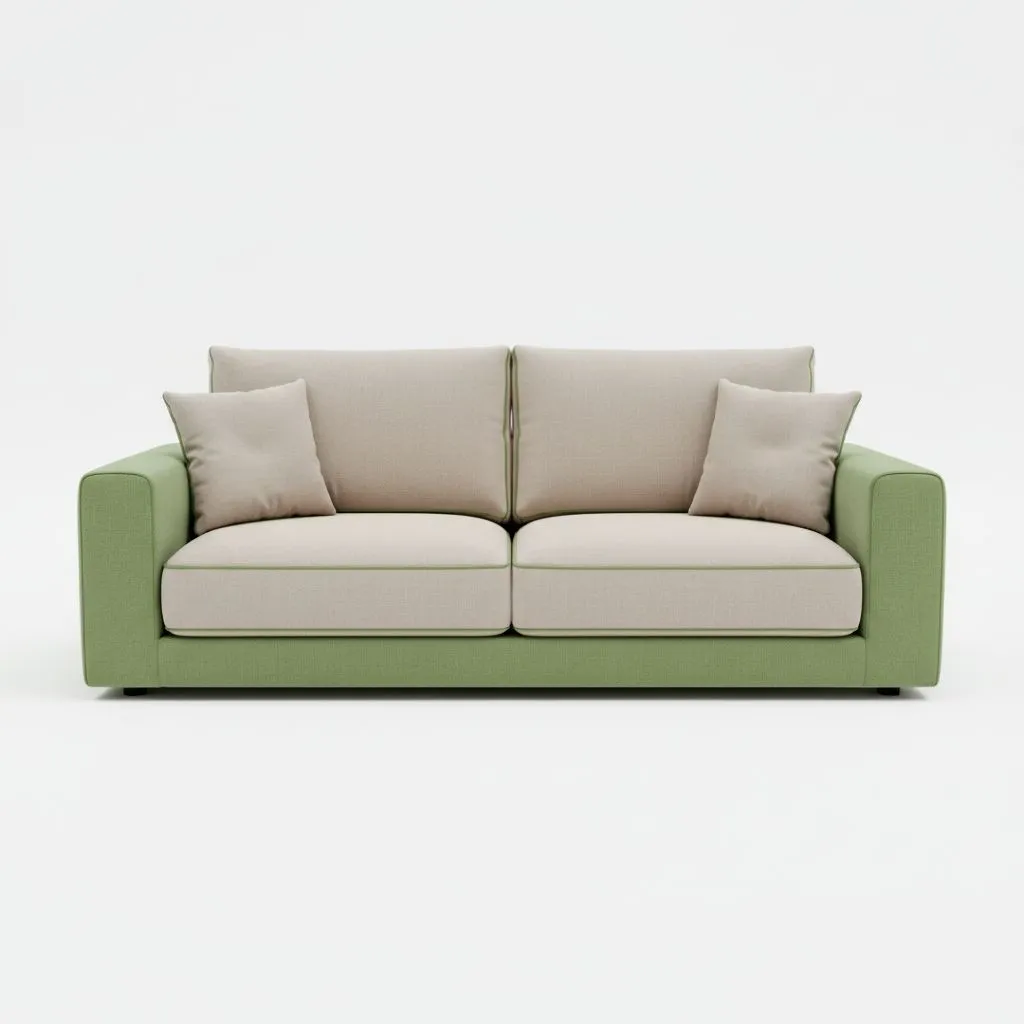
Generate original furniture concepts from text prompts or visual references.
AI Blueprint Generator
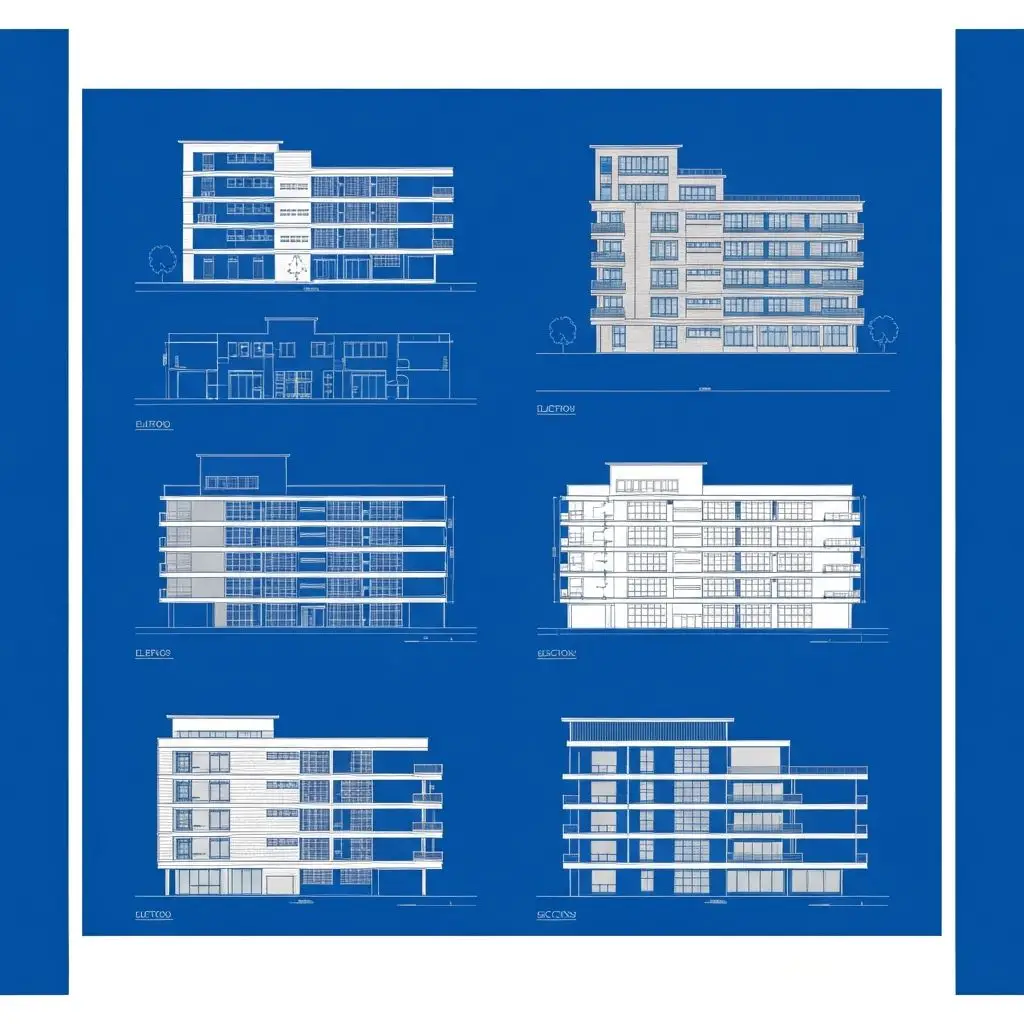
Create blueprint-style concepts for architectural planning and presentation.
3D Walkthrough
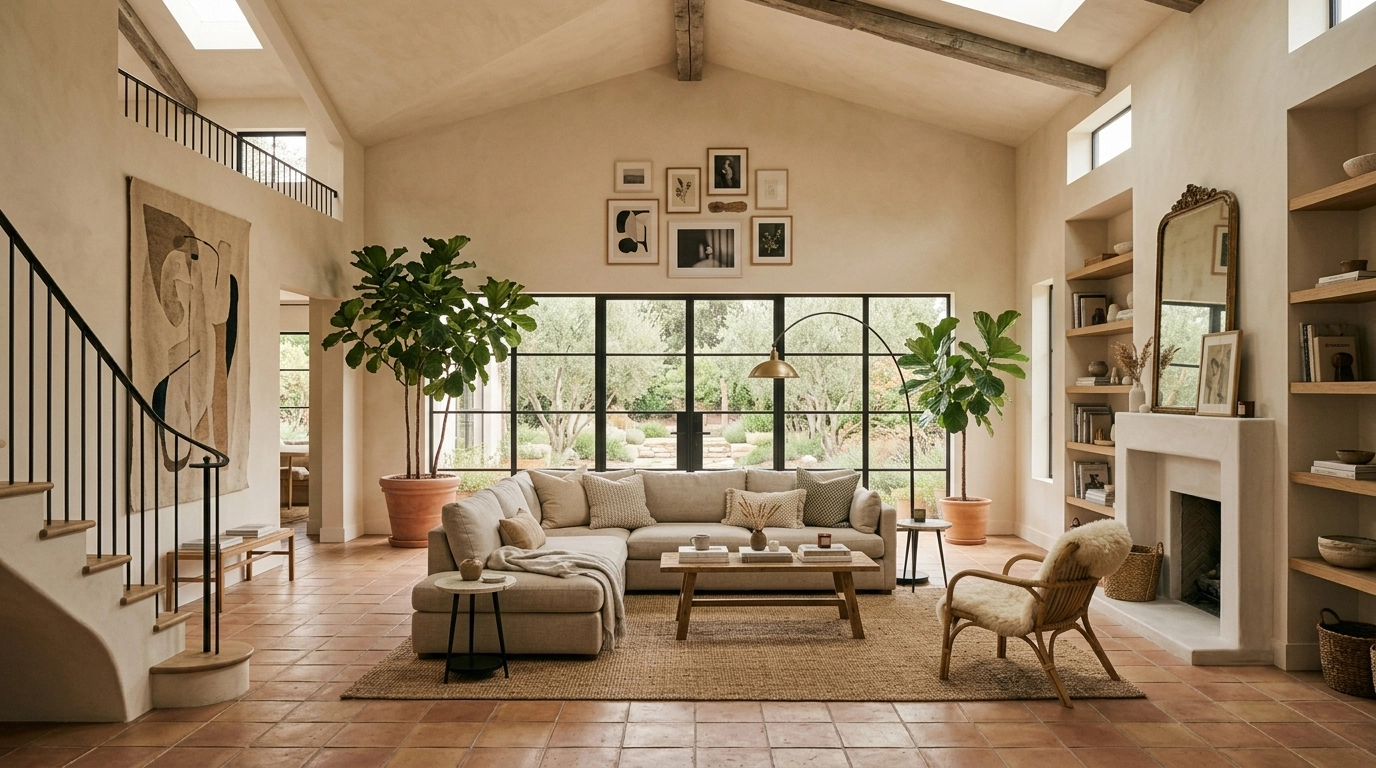
Turn floor plans and design concepts into an immersive 3D walkthrough.
Frequently Asked Questions
What types of sketches work best?
Our AI works best with clear, well-defined sketches including floor plans, architectural drawings, furniture designs, portraits, and product sketches. The clearer your sketch, the better the render quality. Our sketch to render technology handles all these types effectively.
Can I use colored sketches?
Yes! Our AI can process both black and white and colored sketches. However, black and white sketches often produce more consistent results.
How accurate are the renders?
Our AI produces highly realistic renders based on your sketch. The accuracy depends on the clarity of your original sketch and the render style selected. Photorealistic style provides the most accurate results.
Can I customize the render output?
Yes! You can select different render styles and add custom requirements in the Additional Information field to specify colors, materials, lighting, or other preferences.
What file formats are supported?
We support PNG, JPG, and JPEG formats. Uploaded files must be under 50MB in size.
Can I use the renders commercially?
Yes! The renders generated from your sketches are yours to use for any purpose, including commercial projects, presentations, and portfolios.